Bluetooth GNSS GPS Navigation and Maps app for Android description
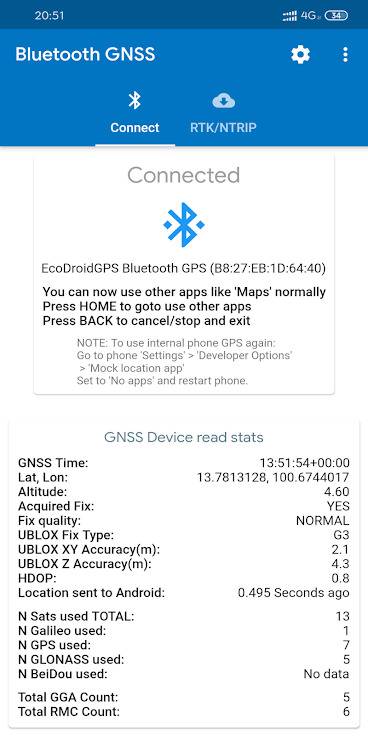
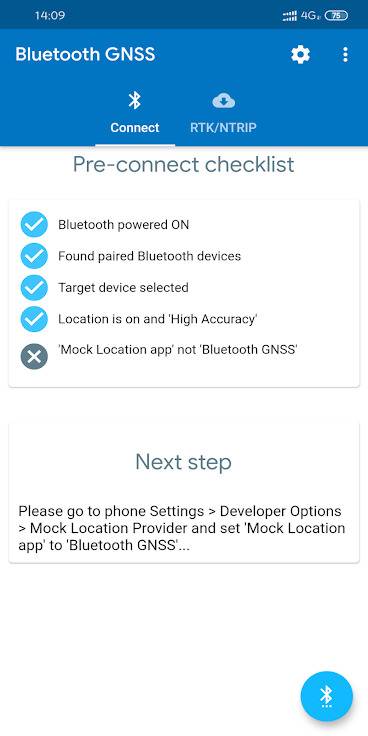
Bluetooth GNSS lets you use accurate satellite positioning from powerful external Bluetooth GPS/Galileo/GLONASS/BeiDou receivers instead of the less powerful internal A-GPS of phones/tablets - for better location accuracy with your favorite Maps and Navigation apps like Google Maps, etc.
You must first get an external Bluetooth GNSS/GPS device like the EcoDroidGPS (www.ClearEvo.com), HOLUX, Garmin GLO, etc to use with this app, which is free and open-source software. If your Bluetooth GNSS/GPS device supports RTK, this app also supports overlay of NTRIP server data streams for professional RTK positioning (centimeter-level accuracy - depends on device).
This app supports showing ’Accuracy’ estimates from the U-Blox ’PUBX’ accuracy messages, instead of the commonly used ’HDOP x CEP’ method. This PUBX accuracy reading exactly matches as is the same source of the ’Accuracy’ as shown in U-Center PC tool when connected directly to the M8030 (EcoDroidGPS) or ZED-F9P (EcoDroidGPS + ArduSimple) devices via USB.
How to test if your target app uses the mock location from this app or not: during a connection, create a file named ’bt_gnss_test_debug_mock_location_1_1_mode_flag’ in internal storage (adb command: touch /sdcard/bt_gnss_test_debug_mock_location_1_1_mode_flag) and see if your target app now shows lat as 1.0 and lon as 1.0 or not, remove/delete the file to resume using real lat lon from connected bluetooth device.