camsung Camera app for Android description
Silence camera on Samsung phones
Installation
If your phone is running Android 13 or below, just sideload the APK.
If your phone is running Android 14 or above, you need to install the app via ADB as Google blocks installing apps that target SDK 22 and below. Enable Developer Mode and USB Debugging, then run:
adb install --bypass-low-target-sdk-block app-release.apk
Make sure to replace app-release.apk if you've renamed the file.
Usage
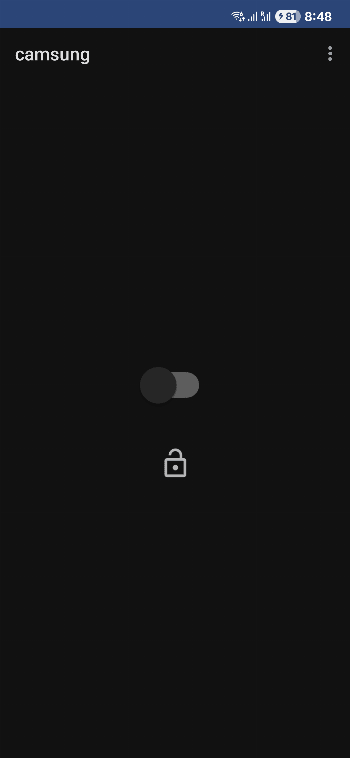
Install, open, and click on the switch to enable the mute function. Click on the lock icon to enable on boot.
Note that your phone needs to be on vibrate or mute for the camera shutter to be muted!
Uninstall
Turn off the switch, then uninstall. If you uninstalled before turning off the switch, re-install the app, toggle the switch at least once until it is in the off position (so if it shows as off, then turn on and then turn off. If it shows as on, just turn it off), then uninstall.
If you still get unexpected behavior after following the removal steps, try the following command on your computer while your phone is connected via USB and in ADB developer mode:
adb shell settings delete system csc_pref_camera_forced_shuttersound_key
This deletes the prop set by camsung.
Warning
Please do not use this app for malicious purposes. It's only made for situations where you don't want to disturb other people (such as in restaurants or in a library).
This app directly modifies system settings. While it should be relatively safe things can still go wrong. I am not responsible for any problems that may arise from using this app.
This app only works with recent Android versions paired with One UI releases. Future software updates may block the mechanism that this app uses.