Orientation Lock Screen Recording app for Android description
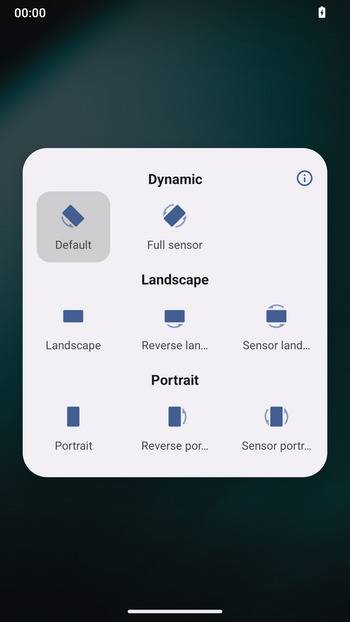
Orientation Lock is a simple open source app to lock the screen orientation, for Android 5.0+.
Features:
- Minimalist and lightweight: less than 100KB in size;
- Clean design: easy-to-use interface;
- Open source: no dependencies, no ads, no trackers.
Why Orientation Lock?
When using an Android tablet, you might find that some applications do not support landscape mode or specific orientations. This was quite troublesome for me. I tried several screen orientation locking apps available on the market, but they were overloaded with features. I simply needed an app to lock the screen orientation, so I decided to create one myself.
The principle behind locking the screen orientation is very simple: it involves using a floating window to render a view in a specified orientation. This is just a straightforward application, and I wanted to keep it lightweight. Therefore, I implemented it using native methods without any third-party libraries. Pretty cool, isn’t it?