Reckoner Expense tracking app for Android description
Use Reckoner to reckon with your finances and take control of your financial future! Reckoner is an encrypted, local first, personal financial tracker. This financial tracker is focused on the user. This application respect user privacy by providing an offline first encrypted data storage. You have the freedom to customize the application layout and add custom views for displaying your information at a glance. Reckoner allows you to create the layout you want without artificial limits.
• Secure and Private Reckoner encrypts data on device using AES 256 bit encryption. Reckoner also allows you to setup a separate passcode for the application so people cannot open it from your unlocked phone. By default data is offline only, but you can synchronize data end-to-end encrypted with AES 256 bit encryption to a PocketBase server you control. You can backup the database to any storage location you want or on a regular schedule or on demand; encrypted by default.
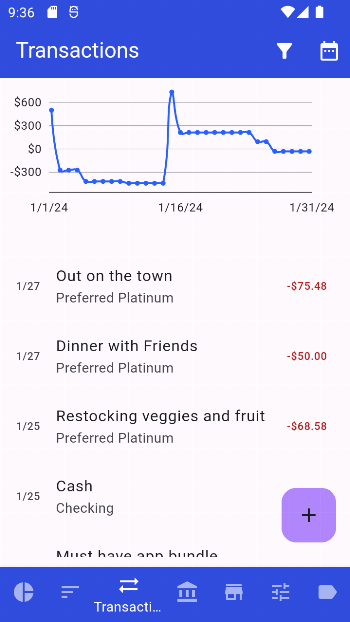
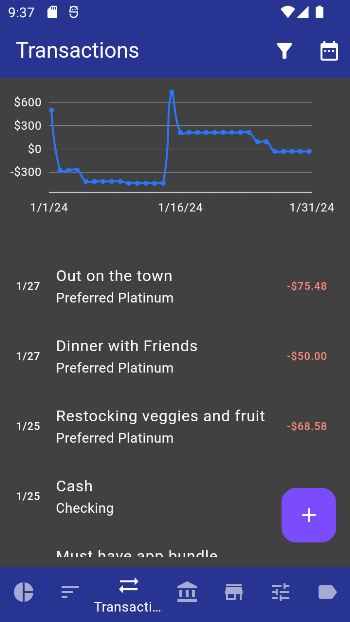
• Make it Yours With report groups, you can add any report supported and create an overview that you want. The UI layout can be reordered to allow for you to choose which screen to show on startup. Hide any unused screens you don't use or add more as it fits your use case. There are also app themes which can be applied if you want a dark theme, light theme, or AMOLED black theme.
• Custom Categorization Categories in Reckoner are flexible and allow you to use them the way you want. Nest categories within one another for a more intuitive experience. Attach budgets to categories to allow traditional budget planning on the cadence you want: yearly, monthly, daily or anywhere in between. You can have as many category groups as you want in Reckoner each of which could have or not have budgets as you desire. Don't want to touch categories at all? Reckoner supports tagging of transactions.
• Designed for all Devices Reckoner has an adaptive layout which adjusts to your device. Whether your screen folds out or you connect to an external display, you will be presented with a UI optimized for the available screen size. Pocketbase synchronization works across all devices which run Reckoner: desktop, mobile, or web.
Used permissions: - Storage: Needed only when you create or restore a backup file. - Network (Internet Access and Network State): Used only when synchronization is enabled. - Biometric and Fingerprint: Used for secure password storage and when using biometrics for unlocking.