RemotePointer Presentations app for Android description
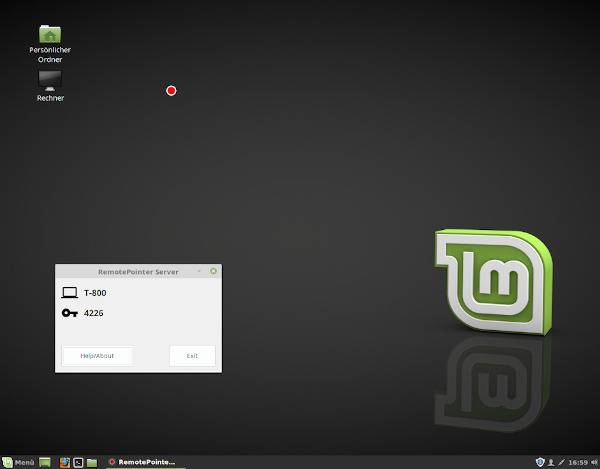
With this app you can control your computer’s keyboard and mouse (using a touchpad). Furthermore, you can project a digital laser pointer dot on your screen or projector, which is controlled by the movement of your Android device.
Advantages:
- control your computer from your couch
- when your screen output is being recorded on presentations, the laser pointer can also be recorded
- the digital laser pointer point is better visible in bright rooms
- you can simultaneously flip the slides back and forth on your Android device and control the mouse
- you can use the app as barcode/QR code scanner for your computer
Please download the free software for your PC (Linux, macOS and Windows) from here. You can find its source at Github.