AutoClicker Inteligente para Android

AutoClicker Inteligente

Kevin Buzeau

versión 4.1.0

Automatizando clics en función de lo que se muestra

Descargas 324 K
Ads

Valora esta

☆ ☆ ☆ ☆ ☆

Antivirus y seguridad

Fecha del escaneo: Oct 18, 2026 Versión del software: 4.1.0
Estado: ✅ Confiable y seguro para instalar Esta app está firmada por Kevin Buzeau con una firma digital confiable y verificada y actualizará las instalaciones existentes de AutoClicker Inteligente Huella digital del certificado: 1d381e41595f489ba789ebd711ee64aa8960918f Emisor: CN=Kevin Buzeau Cómo verificamos la seguridad de los archivos APK
Antivirus para Android Estado
K7GW Limpio ✅
DrWeb Limpio ✅
VirIT Limpio ✅
ClamAV Limpio ✅
Google Limpio ✅
Ikarus Limpio ✅
Lionic Limpio ✅
Sophos Limpio ✅
Yandex Limpio ✅
Alibaba Limpio ✅
Tencent Limpio ✅
Xcitium Limpio ✅
Fortinet Limpio ✅
Kingsoft Limpio ✅
Symantec Limpio ✅
AhnLab-V3 Limpio ✅
Kaspersky Limpio ✅
Microsoft Limpio ✅
Trustlook Limpio ✅
ESET-NOD32 Limpio ✅
Avast-Mobile Limpio ✅
NANO-Antivirus Limpio ✅
BitDefenderFalx Limpio ✅

AutoClicker Inteligente app para Android análisis by AndroidFreeware

Smart AutoClicker es una aplicación de Android que permite automatizar tareas repetitivas haciendo clic automáticamente por ti en la pantalla. A diferencia de la aplicación de clics automáticos regular, los clics no se basan en temporizadores. En su lugar, te permite capturar una imagen de una parte de tu pantalla y ejecutar el clic una vez que esta imagen sea detectada nuevamente.

Características

  • Organizar clics por escenario
  • Ejecutar clics o deslizamientos
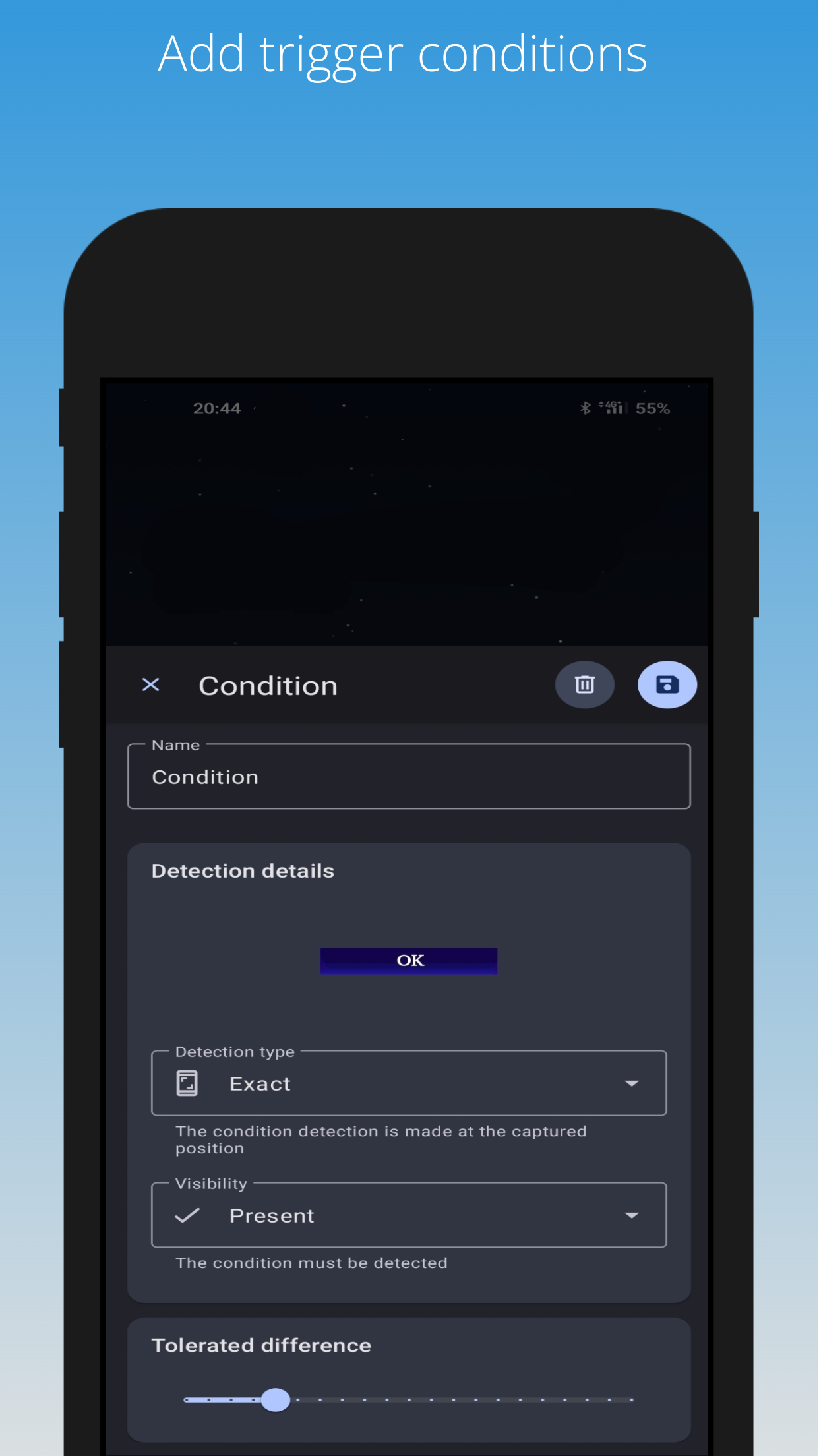
  • Agregar una condición de imagen desde la pantalla
  • Modificar la tolerancia para la detección de condiciones
  • Combinar múltiples condiciones
  • Configurar el retraso antes del siguiente clic
  • Modificar el orden de prioridad de un clic

Qué hay de nuevo en v4.1.0

  • Advanced Multi-Finger Gestures: Introduced a new gesture action replacing the standard swipe, supporting up to 5 fingers, pauses, and multiple direction changes, configurable manually or via a gesture recorder.
  • Dynamic Gesture Coordinates: Gesture points can now be set using static coordinates, counter values, or coordinates from detected screen conditions.
  • Hold Gestures: Added the ability to keep a finger pressed while the scenario continues running, with customizable release triggers (immediate, after a duration, until actions finish, or until conditions change).
  • Condition Positions in Counters: The "Change Counter" action can now capture coordinates (Center X/Y, Left, Top, Right, Bottom) of detected conditions into counters.
  • Enhanced Debugging Tools: The Live debugging overlay and Debug report timeline have been updated to display held finger states and tracking.
  • Automatic Swipe Migration: Existing swipe actions are automatically converted into the new gesture action format without losing behavior.
  • UI and Device Fixes: Fixed an issue where menus disappeared after turning off the screen on some devices, and corrected the display of the "Test your screen event" card on smaller screens.

Ads


Especificaciones


Otras versiones

AutoClicker Inteligente icon

4.0.5 APK

September 9, 2026

AutoClicker Inteligente icon

4.0.4 APK

September 8, 2026

AutoClicker Inteligente icon

4.0.3 APK

September 7, 2026