App Cloner aplikasi untuk Android ulasan by AndroidFreeware
Create multiple copies of your apps. Do you need to have two accounts in an application and do not want to keep jumping from one account to another? Do you have two WhatsApp accounts and do not know how to manage them? Do you want to play two games with different profiles without having to use two devices? The solution is called App Cloner. Clone your favorite apps and generate two completely independent copies. You will be able to change the cloned app's name or icon, remove permissions, change the color of the theme, configure auto-start, set up full-screen mode, and much more. There are also several options to personalize the app, such as the possibility to keep the background running or not, to activate notifications, or to use the volume buttons. Also, you can install the cloned app on the device’s memory or the SD card.
How does App Cloner APK work?
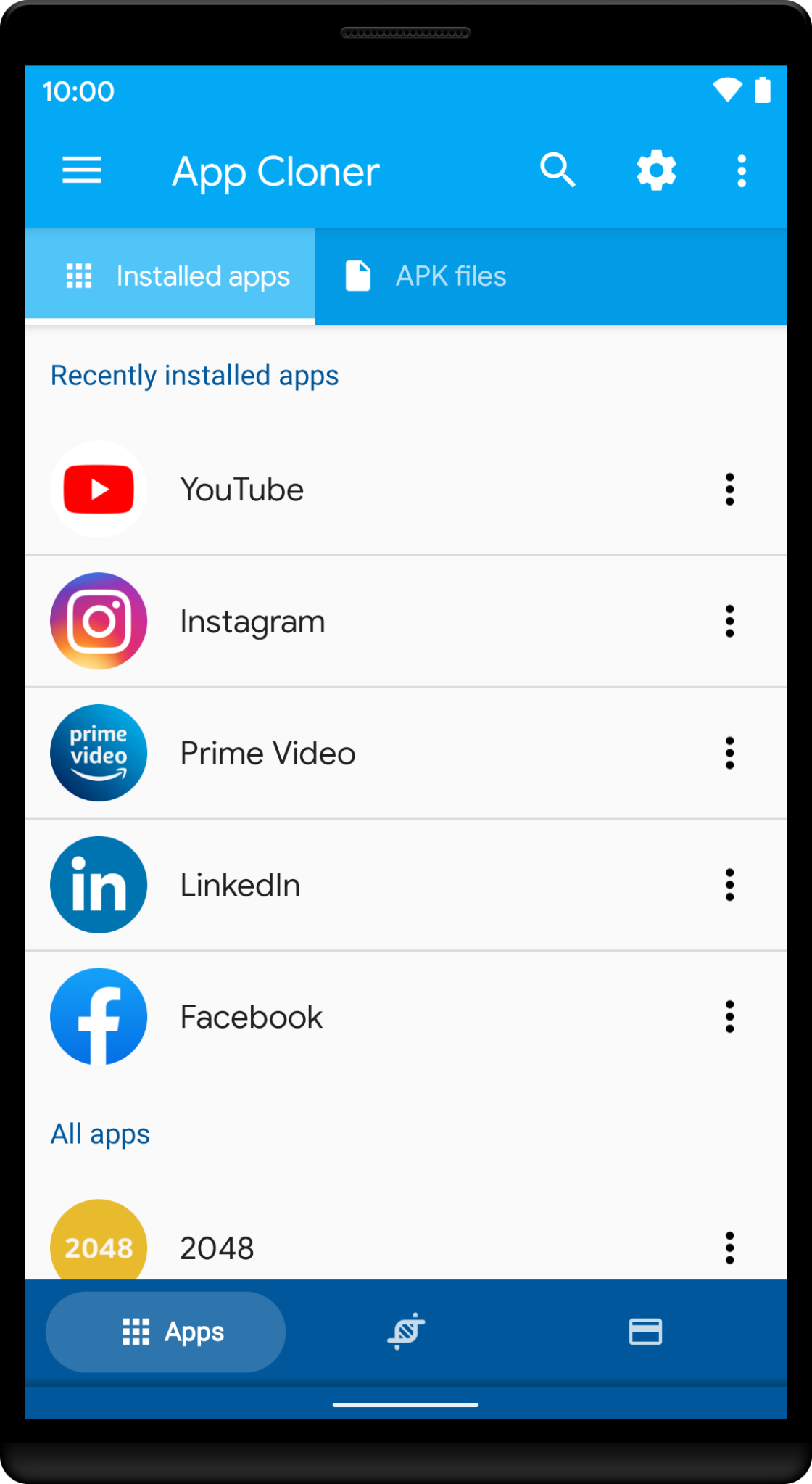
The cloning process is very simple. All you have to do is open the application and select the app you want to clone from the menu. You will see a list of options and then just click on the clone button to have an independent app.
Not all apps can be cloned! Cloned apps may crash, show errors or work incorrectly. Features that depend on the app certificate like Google logins, Google Play Services, Google Play Games, Google Drive backup or in-app purchases WILL NOT WORK!