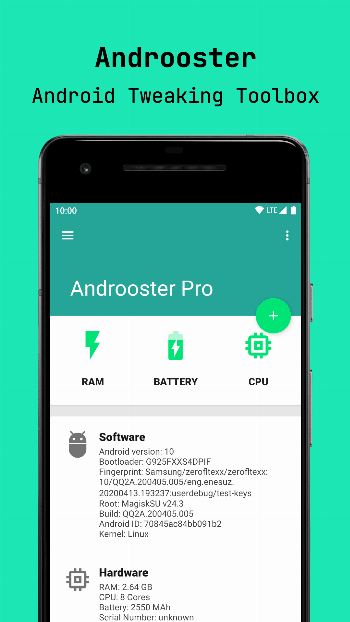
Androoster 루트 앱 대상 Android 설명
Androoster is a comprehensive open-source and free Android root tweak toolbox. It is built to help you tweak your device, keeping it cool, fast and responsive.
Ideally, basing on your device hardware and your personal needs, you can find a set of parameters for Androoster to improve things you value and minimize others you don't require.
Being a collection of on-off tweaks, you can enable/disable whichever set of parameters you desire. Although a certain degree of expertise is required to tune (or eyeball) settings, you can refine your tweaks according to the performance changes you experience incrementally.
The key takeaway is that there is no such thing as a universal tweak / booster. Instead, you can (and should) tune settings according to the things you value the most to maximize performance in those designated areas, and keep the unavoidable consequences within an acceptable margin of degradation.
(i.e, a strong performance improvement degrades battery duration, and vice versa, differently for every device and OS)
Androoster features
- CPU Tuning
- Governor switcher
- Low Memory Killer editor
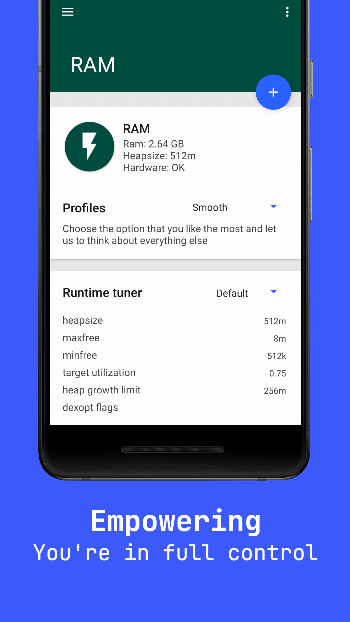
- Runtime Memory improvement
- Sleep mode tuner
- Sleepers optimization
- Kernel advanced editor
- FStrim utility
- I/O Booster
- Hostname editor
- Network buffer
- Fast dormancy
- Advanced debug monitor
- GPS Configuration
- Animations speed tweaker
- JPEG quality optimizer
- 270° Rotation enabler
- 16 bit transparency enabler
- Back buttons light tuner
Prerequisites
- Rooted device
- BusyBox installation
Main features
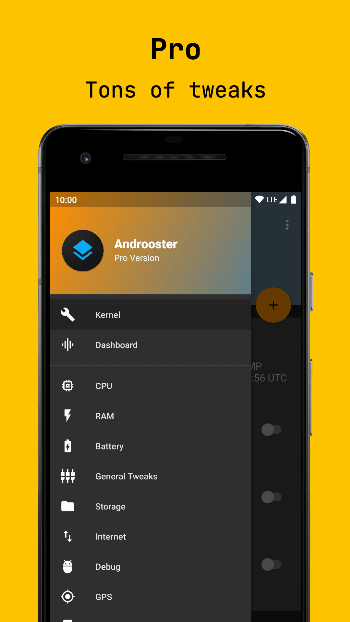
There are tons of tweaks, both for beginners and advanced users. They are grouped under different categories, like “CPU”, “Memory”, “Kernel” or “Graphics”, so that they are easy to find and manage.