BudgetLens 개인 금융 앱 대상 Android 설명
BudgetLens is a smart personal budgeting application designed to help you manage your finances with a dynamic daily spending allowance. Unlike traditional budgeting apps with fixed daily limits, BudgetLens adapts to your spending patterns by recalculating your allowance based on your remaining budget and days left in the cycle. This ensures you always know exactly how much you can spend today without breaking your long-term goals.
Key Features:
- Dynamic Daily Allowance: Automatically recalculates based on remaining budget.
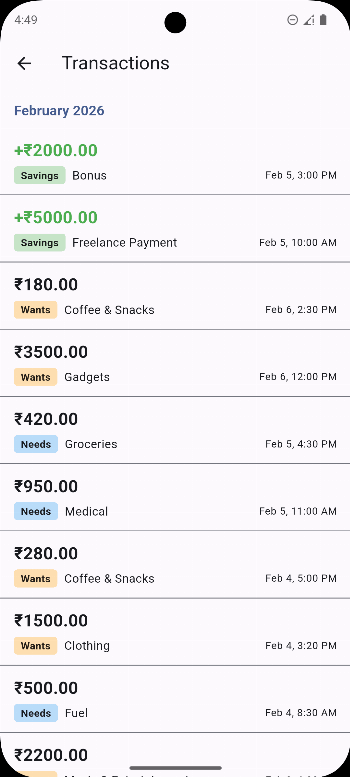
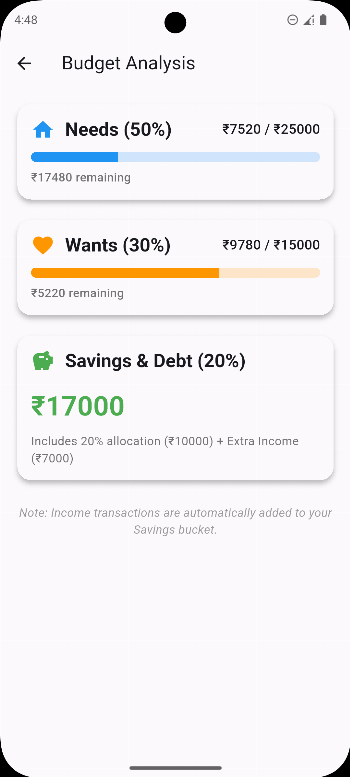
- Categorized Analysis: Visualize your spending patterns using Needs, Wants, and Savings breakdowns.
- Material You Design: Fully adapts to your device's system colors (Android 12+).
- Privacy First: All financial data stays locally on your device. No cloud uploads or tracking.
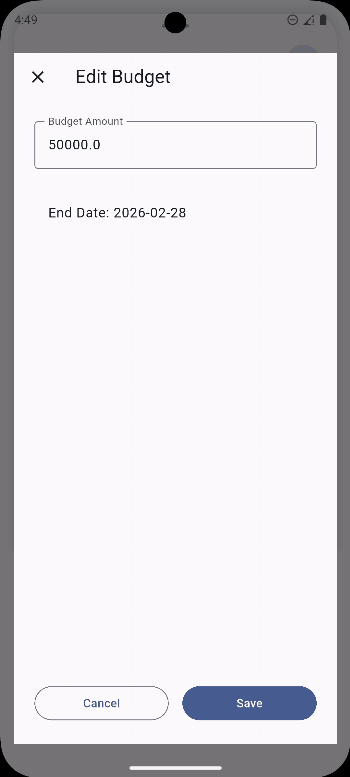
- Flexible Cycles: Set custom budget periods (weekly, monthly, or custom dates).
- Backup & Restore: Easily export and import your data as JSON files.
Take control of your finances with a modern, intuitive, and private budget lens.