DrawAnywhere 스크린 미러링 앱 대상 Android 설명
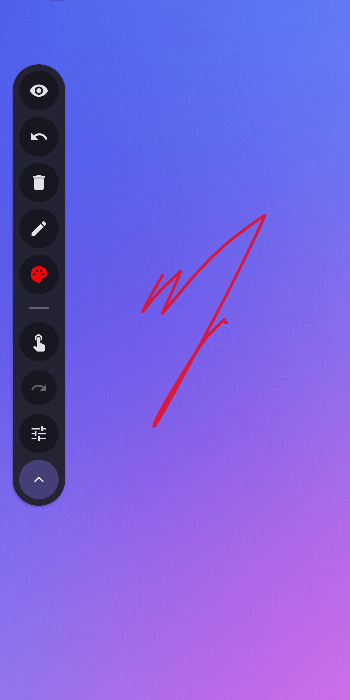
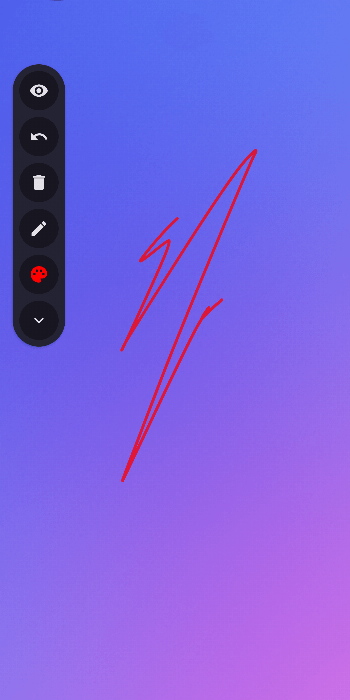
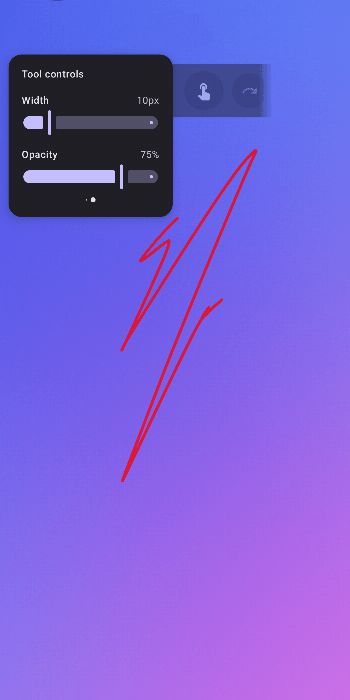
DrawAnywhere lets you sketch, annotate, and highlight directly on top of any screen. Great for following along video courses, recording tutorials or hosting presentations.
Highlights:
- Stroke eraser toggleable via stylus buttons
- Touch passthrough to the app below
- 50-step undo/redo operations
- Minimal storage usage
Tips:
- Long press and drag to move the toolbar around.
- After 3 seconds of inactivity, the toolbar becomes more transparent.
- Turn on Clear on hiding canvas to let the app clear the canvas when you hide it.
Note: Touch passthrough will be turned off automatically as well. - Turn off Canvas visible on start to hide the canvas on startup by default.
Source is available on GitHub: https://github.com/shezik/DrawAnywhere