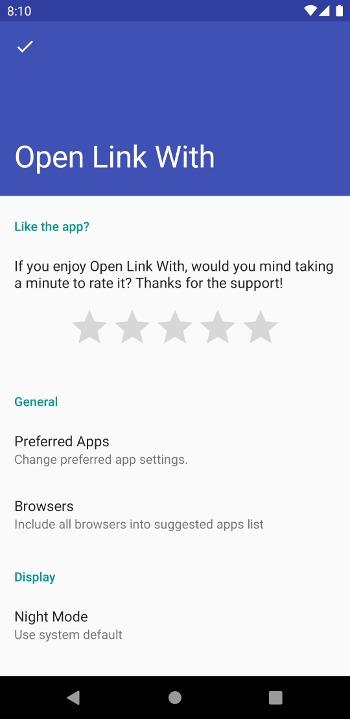
Open Link With... จัดการไฟล์ แอป สำหรับ Android คำอธิบาย
Share the current web page when you are in a browser to open with another app!
Did it ever happen to you? You click a link (let's say a video link) and the system does not ask you anything and opens the link in the browser. And you are stuck in a web page instead of watching the video in the native app.
There are 2 options for you. You either watch the video in the web or you remember the name of the video and search it in the app. Well, not anymore.
With OpenLinkWith, you can share any webpage with it and it will ask you which applications to open the link with.
Although the original intent of the application is to direct web pages to apps, it can even be used to switch between apps. Imagine you have 2 Twitter clients in your phone. You can open a tweet in the official Twitter application and then switch to an another app with the same tweet opened. Cool, hah?
Although the problem discovered above is not huge, it is missing in the Android ecosystem. And I couldn't find anything doing this. So I wrote one. :)
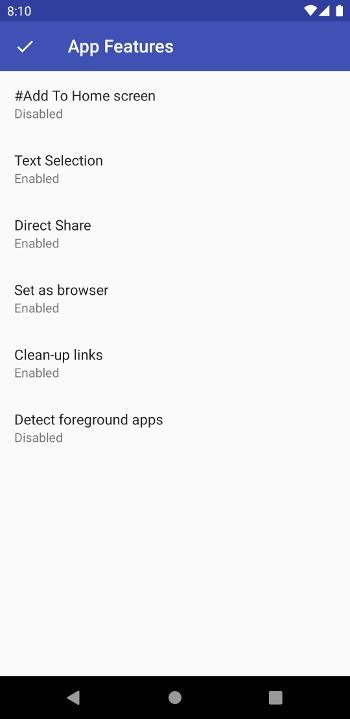
If you find yourself sharing the same url over and over, you can use "Add to Home Screen" feature to add your favorite link from your favorite app to your home screen.
I hope you find this useful. Please help me by trying it and sending feedback to me.
Note: This app also fixes links for some of the most popular Android applications. Not all but most of the links from these websites will be open with respective native android apps when you share them with Open Link With.
The app uses internet to:
- Send crash reports
- Resolve redirects of shortened links
- Find the title of the link while using "Add to Home Screen"