Recents لانچرز ایپ کے لئے Android وضاحت
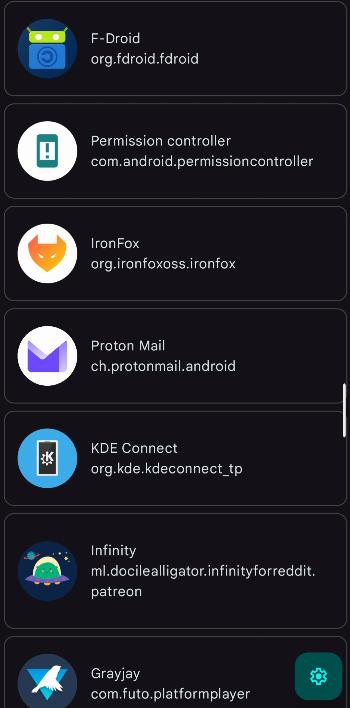
Recents is a replacement for the default system "recent apps" menu, especially useful if the system utility is unavailable (e.g. after removing the default launcher). It aims to provide all the system features, including launching the last launched app, displaying all apps by last use time and killing selected or all apps.
How to use
- Launch "Recent apps" screen:
Assign the app to a custom shortcut (e.g. double-click of the power button) in your system settings. Upon triggering the shortcut, you will be shown a list of all your apps, sorted by last launch time. Alternatively, you could simply place the app in a convenient spot in your launcher. - Launch last app:
The app includes a custom shortcut, which (or its activity,LastAppActivity) can also be assigned to a custom shortcut, using any shortcut assigner. If you trigger the shortcut, you will be taken to the most recent app (excluding launchers and the current app), just like when double-tapping the "recents" button on a 3-button navbar. - Kill apps (root required):
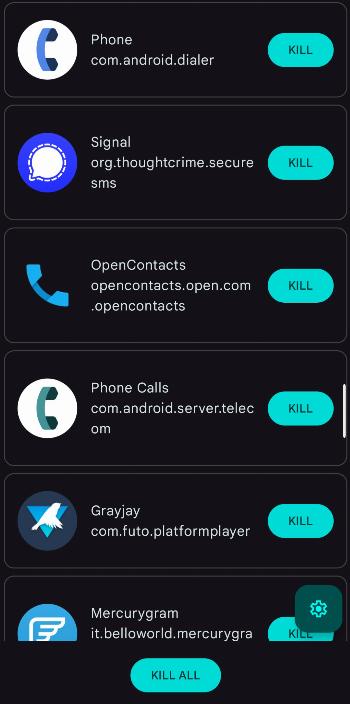
If you have root, you may retain the functionality of killing apps. You can either kill apps individually, or use the "KILL ALL" button. Note: most system apps cannot be killed this way. - Setup your custom whitelist:
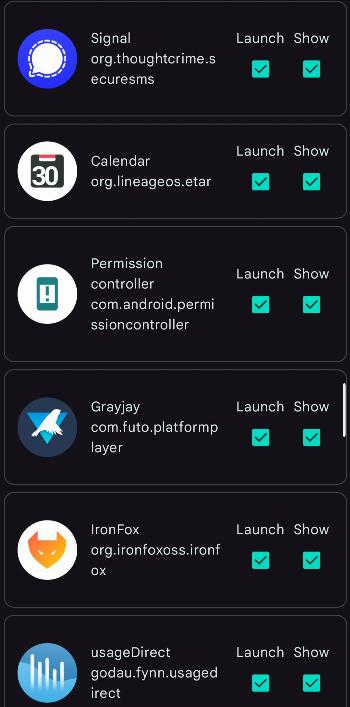
Don't want to kill your alarm clock? Don't want to launch an app even if it was the last one launched? Mark them in settings as non-killable or non-launchable.