BeauTyXT Trình soạn thảo văn bản ứng dụng cho Android mô tả
BeauTyXT is a beautiful, private, secure, and minimalistic Text, Markdown, and Typst editor. Now sandboxes all Rust code in separate processes for better protection against exploitation.
Features
-
Doesn't require any permissions
Unlike some other apps which might want access to all your files, BeauTyXT uses the Android Storage Access Framework (SAF) to let you pick which file to open without giving BeauTyXT access to all your files. BeauTyXT doesn't even have the INTERNET permission, which apps need to directly make network connections. -
Uses Android Storage Access Framework (SAF)
BeauTyXT uses the Android Storage Access Framework (SAF) for seamless opening and editing of files, regardless of their location. -
Written in Kotlin and Rust
BeauTyXT is written in Kotlin and Rust. -
Implements Material Design 3 and dynamic color
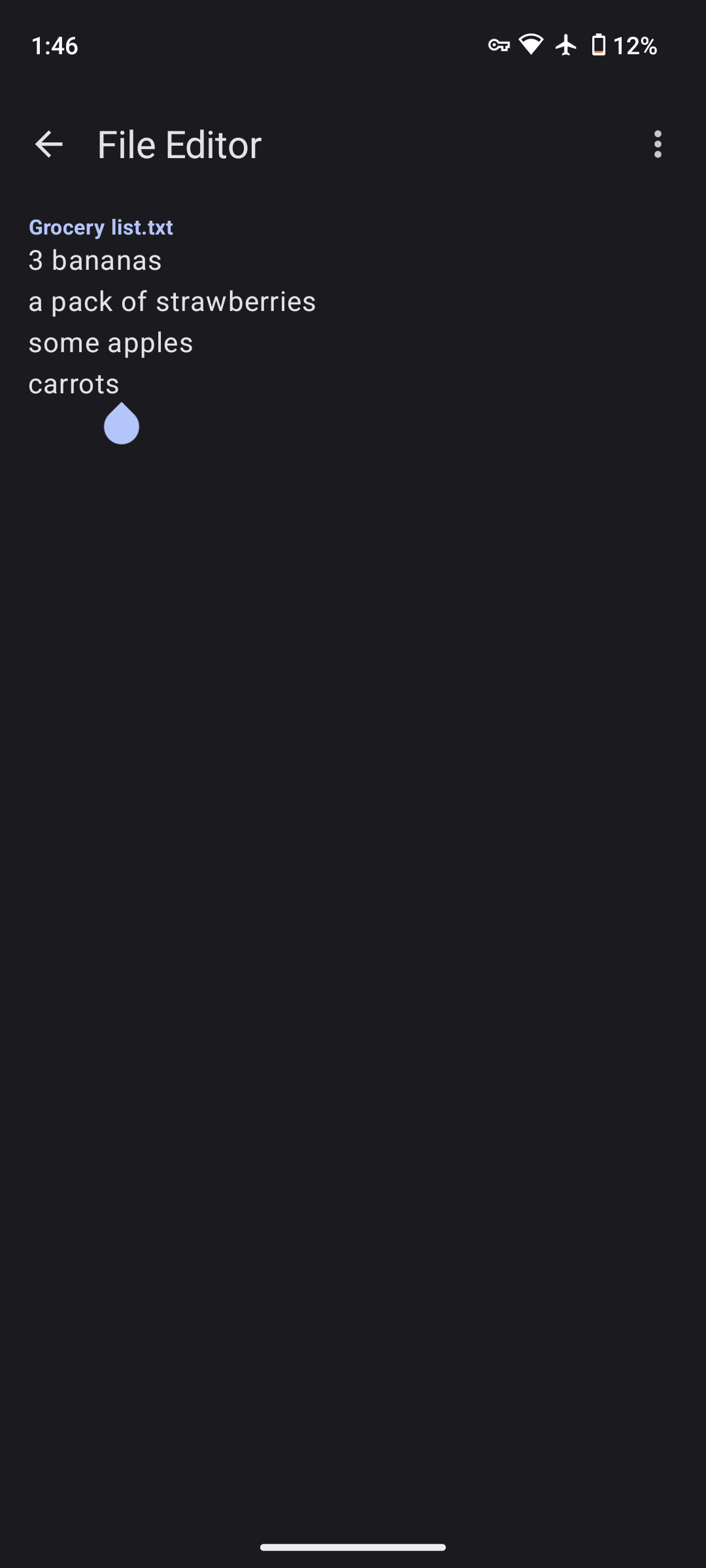
BeauTyXT implements Material Design 3 and dynamic color for a beautiful, yet minimalistic look. -
Markdown (.md & .markdown) support
BeauTyXT supports creating and editing Markdown (.md & .markdown) files to liven up your text to the next level, while rendering live on the bottom side of the screen in portrait or on the side in landscape. Prefer not rendering Markdown? Then you can toggle it off in the settings. -
Typst support
BeauTyXT supports creating and editing Typst projects when you need something more advanced than Markdown. You can preview it live on the bottom side of the screen in portrait or on the side in landscape and with a live view of any errors or warnings. -
Any file extension option
While BeauTyXT is primarily meant to edit Plain Text (.txt & .text) and Markdown (.md & .markdown) files, it also has the option to open and edit files of any type as plain text. -
Open files from other apps
BeauTyXT shows up as an option to open supported file types when apps want to request opening files in a compatible app. Some examples are clicking on a file in a file manager, or opening a file sent by someone from a messaging app. -
Pitch black background option
Replaces the background with a pitch black color, slightly modifying the rest of the dynamic theming to suit the new background. It is off by default, and can be toggled in settings. It is only in effect when dark mode is enabled. -
File info dialog
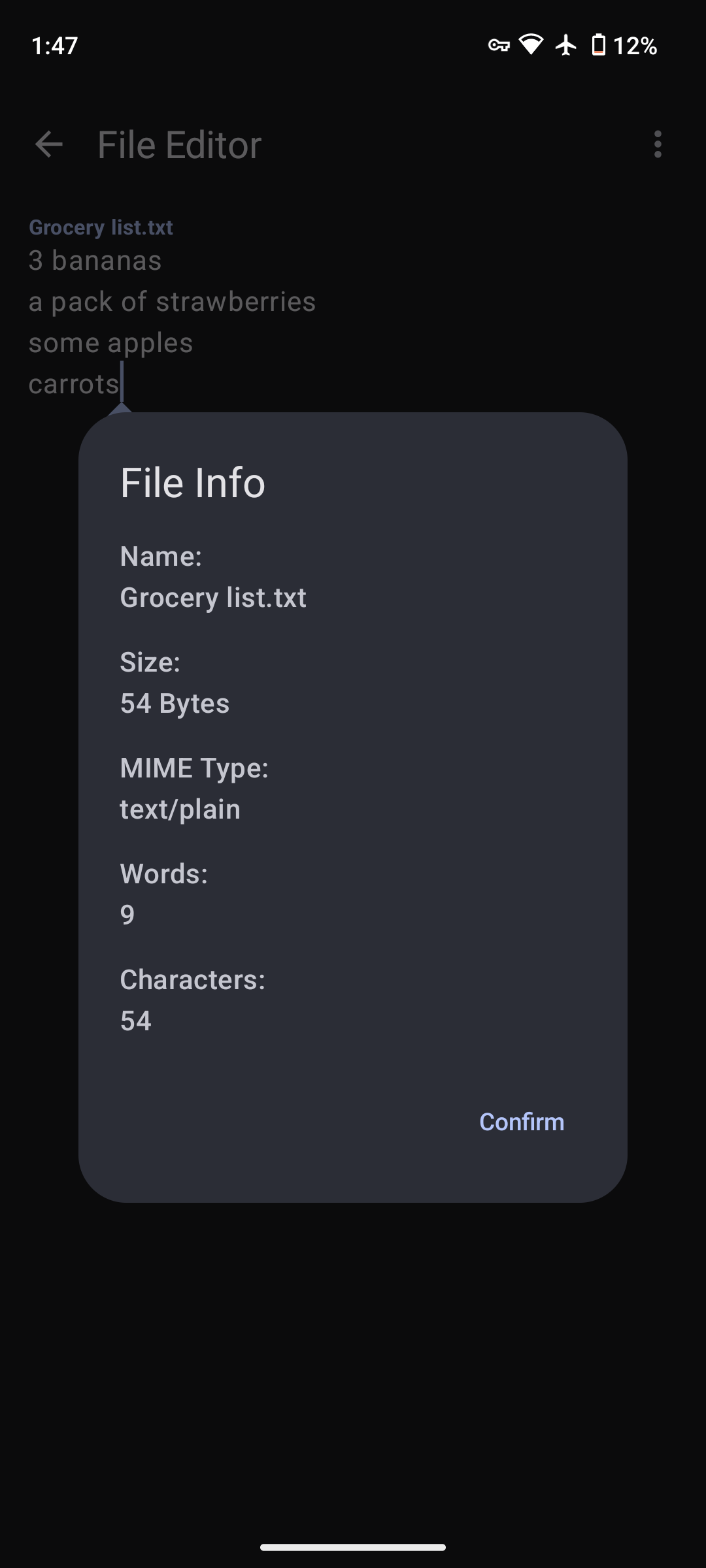
You can get info about the opened file such as the name, size, MIME type, word count, and character count by tapping on the info icon while a file is open. -
Export options
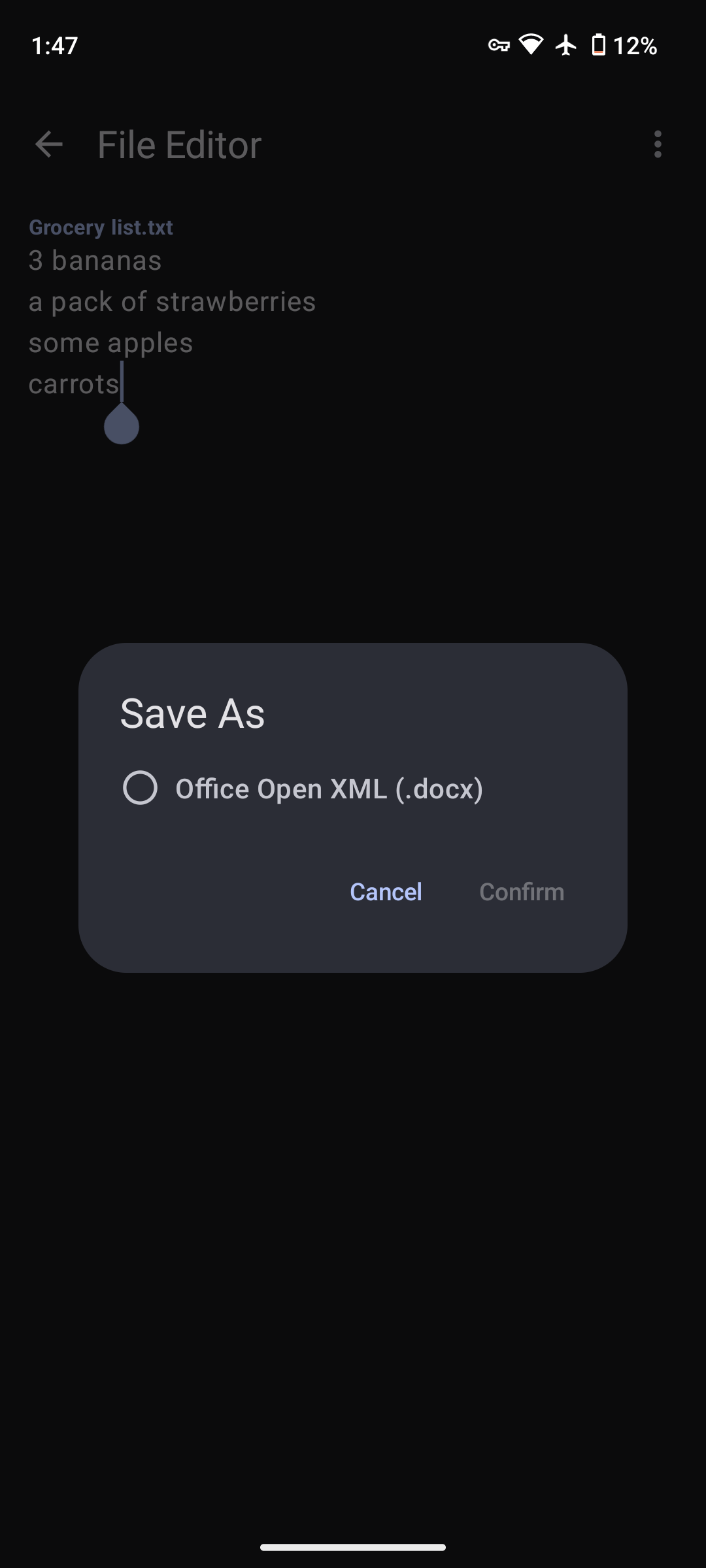
BeauTyXT has export options for Plain Text (.txt & .text) and Markdown (.md & .markdown) files and Typst projects. Plain Text (.txt & .text) files can be printed (including print to pdf), or exported to Office Open XML (.docx). Markdown (.md & .markdown) files can be exported as HTML (.html) files. Typst projects can be exported to PDF (.pdf) files. -
Security against exploitation
BeauTyXT has great security against exploitation (compared to most apps) as it runs its Rust code, which powers parsing Markdown, exporting to docx, and the Typst mode in an isolated Process service which runs in a separate process than the app. Each file or project's Rust library runs in its own separate process. It also renders the parsed Markdown (now HTML) in a WebView that has JavaScript disabled. For rendering the Typst project, it uses the Coil library written in Kotlin. However, it only renders an SVG generated by the Typst Rust code so the attack surface is minimized.