FireWall Blocks VPN 应用 对于 Android 描述
FireWall Blocks is a simple, open-source Android firewall that blocks app internet access using either Shizuku or a local VPN, with no root requirement.
Features:
- Dual Mode: Choose between the efficient Shizuku mode (recommended) or the no-setup-required VPN mode. You can even use them at the same time!
- Per-App Rules: Control Wi-Fi and Mobile Data access for each app individually.
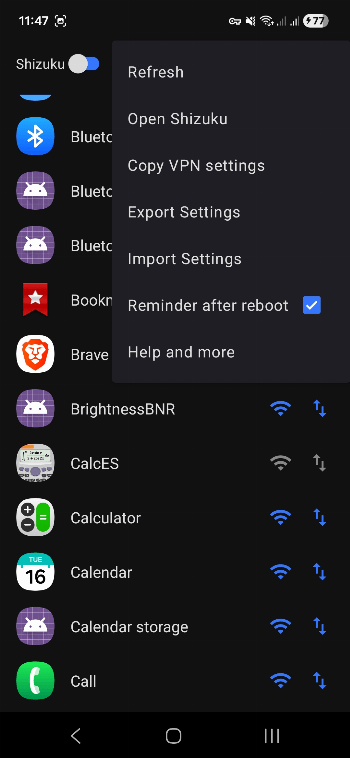
- Import/Export: Save and load your firewall rules as a simple .json file.
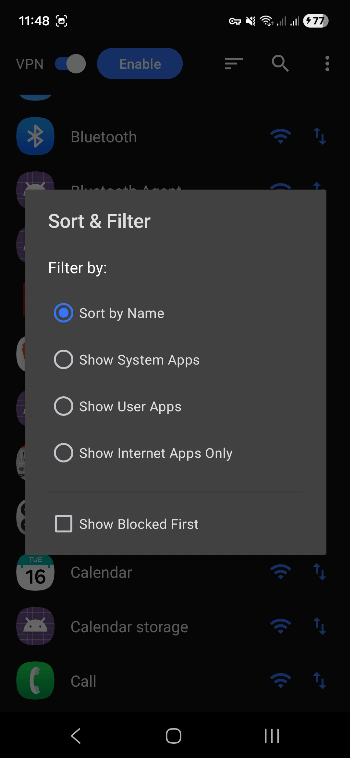
- Sorting: Sort lists based on user and system apps.
- Efficient: The app doesn't need to be constantly running in the background.
- Elegant Reapplying: Hassle-free user experience on startup.
How to Use:
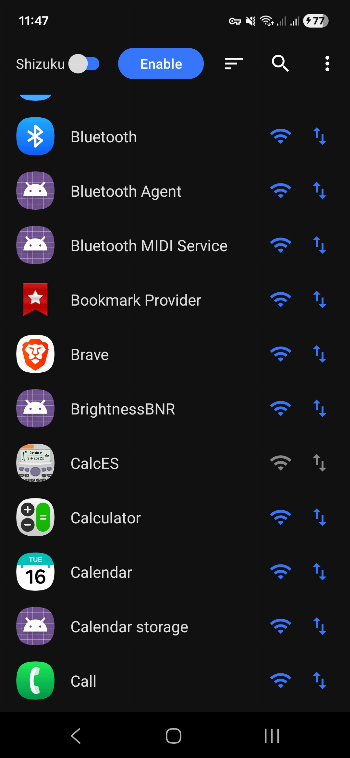
- Enable the Firewall: Press the Enable button on the main screen.
- Choose Mode: Toggle between Shizuku (requires setup) or VPN (works instantly).
- Block Apps: Tap the Wi-Fi or Data icons next to any app to block its access.
Note: After rebooting your phone, for Shizuku mode, you must first start Shizuku, then re-open the app to re-apply the rules.