SmartScan Fotoalben App für Android Beschreibung
SmartScan is an innovative app powered by a CLIP model that automatically organizes your images by content similarity and enables text-based search, making gallery management effortless.
Key Features
Automated Image Organisation
- Smart Scans: Schedule regular scans automatically.
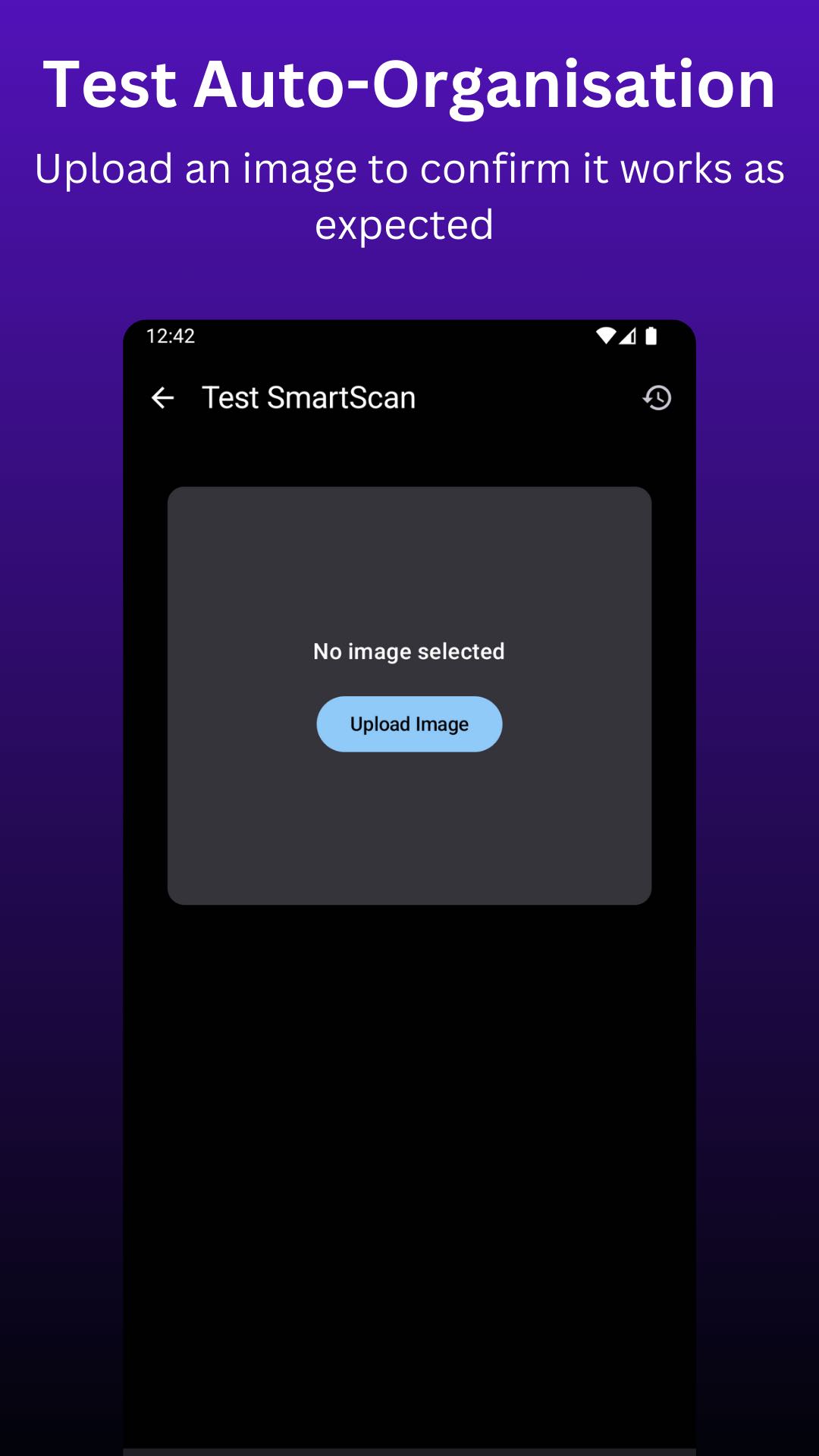
- Auto-Categorisation Test: Upload a test image to verify categorisation.
Text-Based Image Search
- Gallery Access: Open search results directly in the gallery.
- Result Display: Show the top result plus up to 20 similar images.
- Weekly Updates: Automatically refresh the image index for new images.
Fully On-Device
All processing—including both image organisation and text-based search—is handled entirely on-device, ensuring privacy, speed, and offline functionality.
How to use
Image Management
- Target Folders: In settings, select the folders you want to monitor for new images.
- Destination Folders: In settings, select the allowed destination folders for images to be moved to.
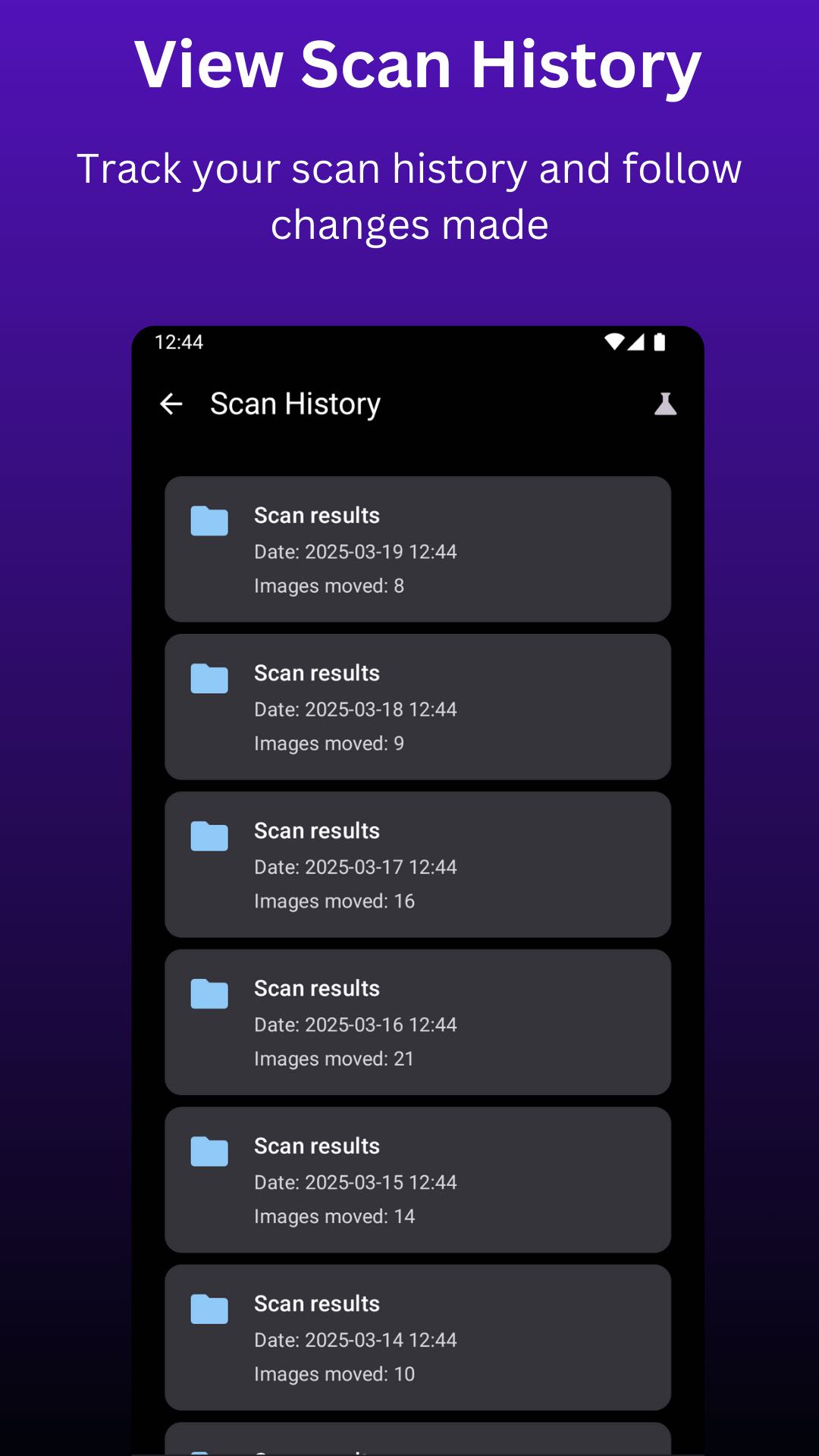
- Test auto-categorisation: Once you have set this up you can test auto-categorisation by clicking the test tube icon and uploading an image.
Note: Each destination folder should contain at least 10 images. This sample set is crucial for accurate matching.