Elder Launcher Launchers app for Android description
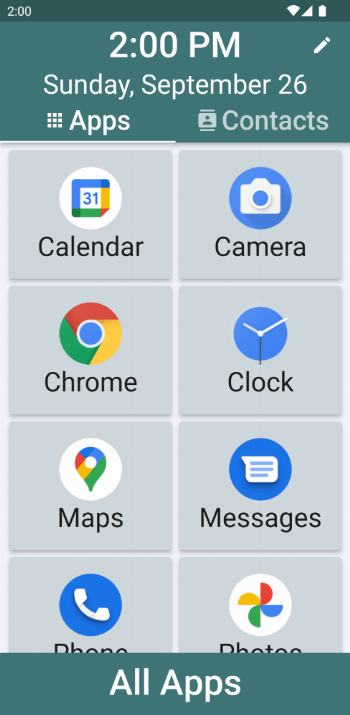
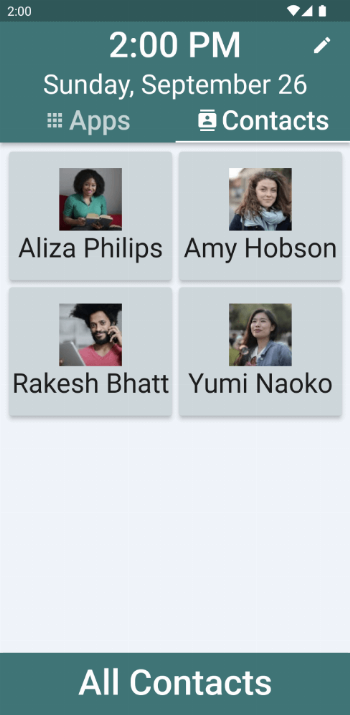
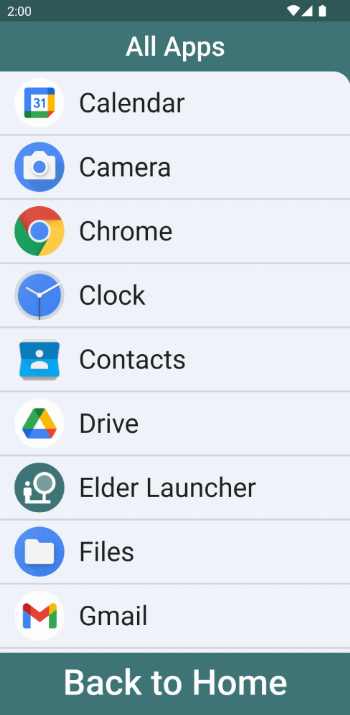
Elder Launcher is an app which makes using an Android device easy for the elderly or first-time smartphone users. It allows quickly accessing favourite apps and contacts.
Elder Launcher is a launcher designed for seniors focused on simplicity and legibility. It supports pinning favorite apps and contacts to the homescreen for quick access. You can easily phone call your favorite contacts from the homescreen.
The edit menu is useful for managing the home screen. It can be opened by clicking the pencil icon on the top right.
- You can add/remove favourite apps or contacts.
- You can also rearrange selected favourites.
- Lastly, in case a newly installed app isn‘t immediately visible then use the Reload option.
Elder Launcher’s clear layout with big icons and text, makes using phones very easy for everyone. If your phone has Android 10, then you can turn on Dark Mode in your settings app to make Elder Launcher dark with a black background.