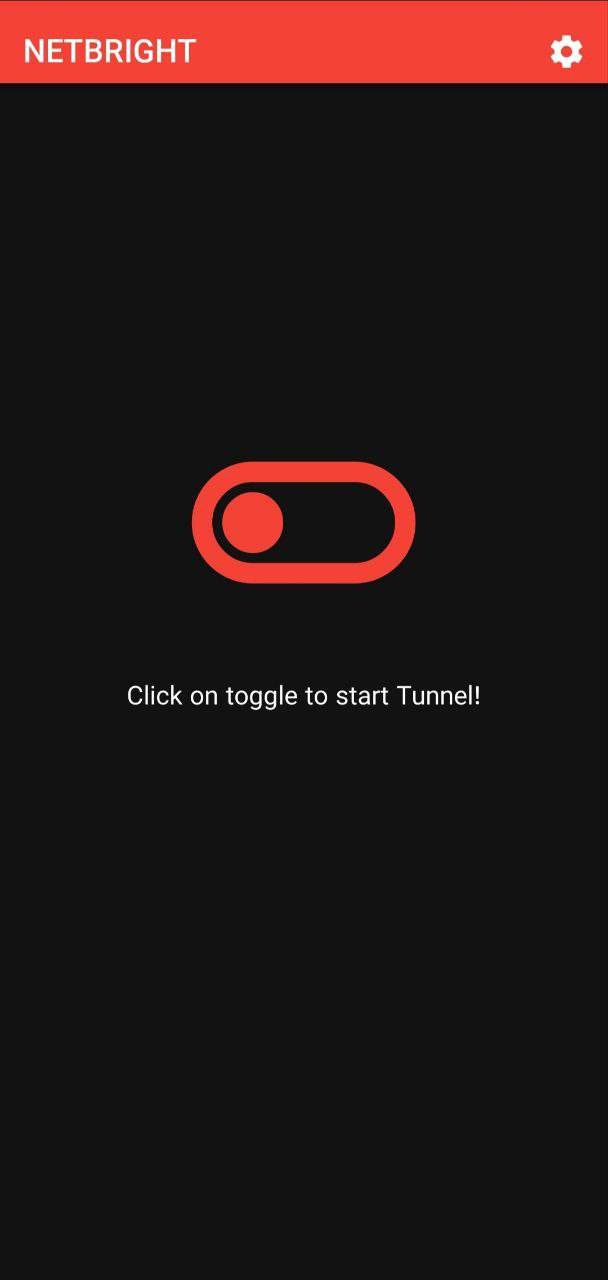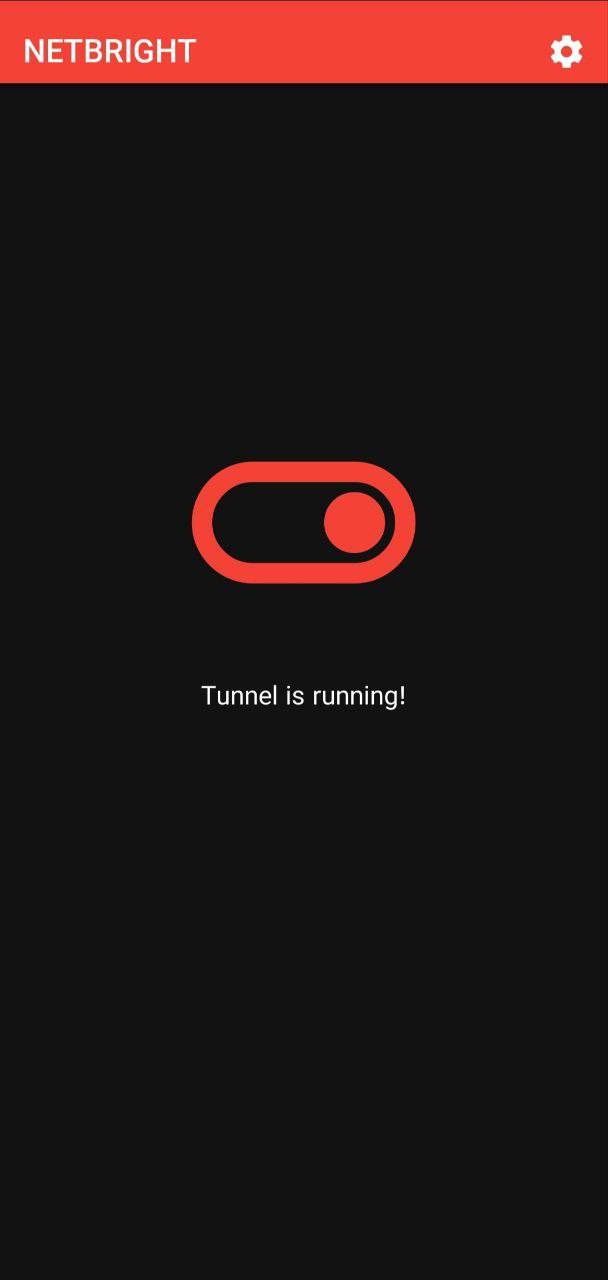
NETBRIGHT VPN app for Android description
NETBRIGHT is a Python application that helps users bypass internet censorship and surveillance by creating an encrypted tunnel between the user's device and a server and with help of spliting client hello packet. It uses Cloudflare IP addresses to avoid detection and supports multiple Iranian operators.
Features:
- Easy-to-use graphical user interface
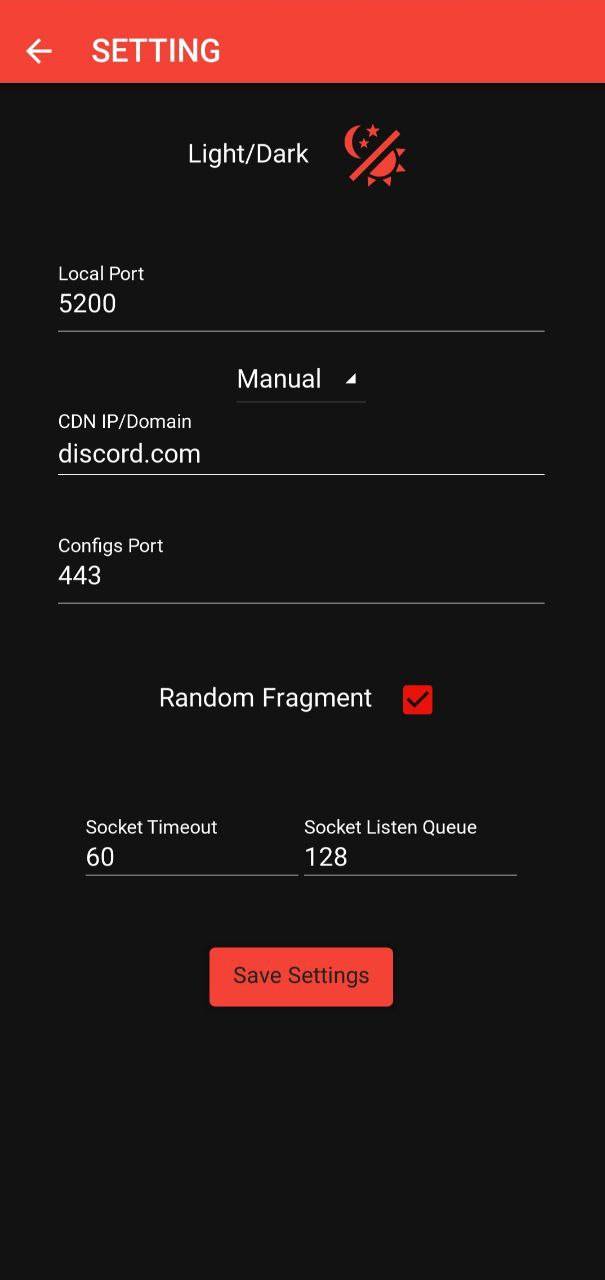
- Supports multiple Connection type (Load Balance and Manual)
- Random Fragment generating
How to Use:
- Enter your desired local port in the "Enter Your Desired Local Port" field.
- Select your operator from the dropdown menu.
- Enter your Cloudflare IP address or leave it empty to use the automatically selected IP.
- Enter your config port in the "Enter Your Config Port" field.
- Click the "Start Tunnel" button to start the tunnel.
- To stop the tunnel, close application completely.
- Edit your config and chnage address to 127.0.0.1 and change port to the Local port you entered in app.