Read Later Text-to-Speech app for Android description
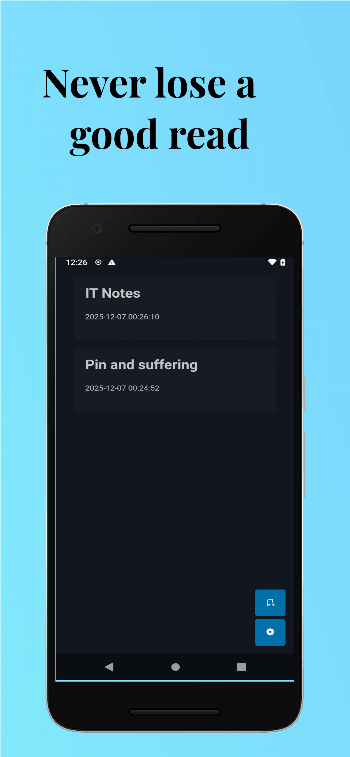
Never lose an interesting article again. Read Later is your all-in-one bookmark manager designed to make reading and learning effortless. Whether you find a great blog post during your commute or a long-form article late at night, save it instantly and consume it on your terms.
We combine a clean, distraction-free reading experience with powerful accessibility features like Text-to-Speech and adaptive theming.
KEY FEATURES:
🔖 Save & Organize
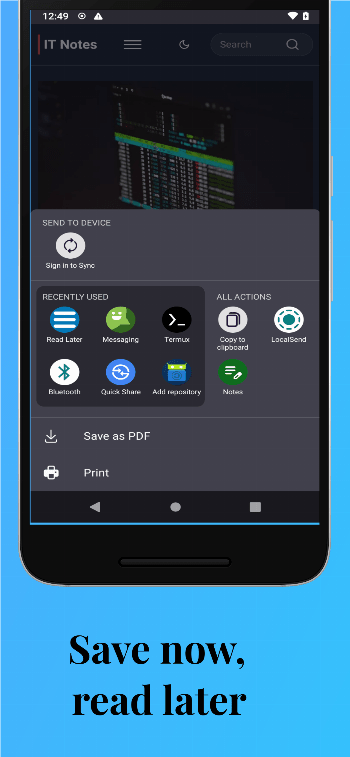
Instantly bookmark articles from your browser or other apps. Keep your reading list organized and accessible in one clean, clutter-free feed. "Save now, read later" has never been this simple.
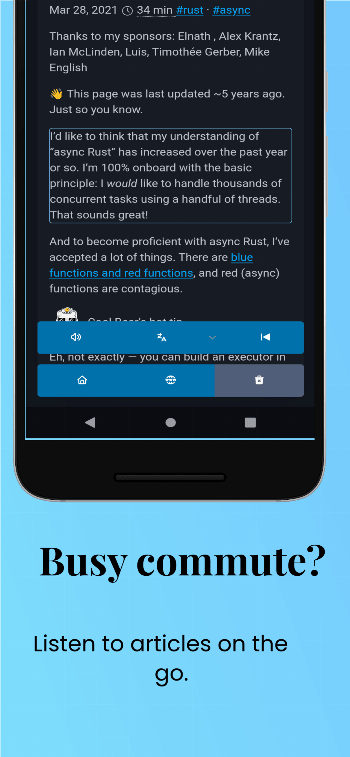
🎧 Listen on the Go (Text-to-Speech)
Busy commute? Tired eyes? Turn any saved article into an audio experience.
- High-quality voice output: Converts text to natural-sounding speech.
- Adjustable settings: Customize the pitch and speed in our simple settings menu to match your listening preference.
🌙 Read Comfortably Day & Night
Switch between themes to match your environment.
- Dark Mode: Reduce eye strain and save battery during late-night reading sessions.
- Light Mode: Enjoy a crisp, clear reading experience in bright daylight.
⚙️ Your Experience, Your Way
A minimalist settings menu puts you in control without the clutter. Manage your preferences, adjust audio settings, and customize your interface in seconds.
Why choose Read Later App?
- Zero Clutter: A focus on the content, not the interface.
- Accessibility First: Designed for readers and listeners alike.
- Lightweight & Fast: optimized for performance.
Download Read Later today and build your personal knowledge library.