Private DNS QS (no launcher) 向け Android

Private DNS QS (no launcher)

Senxian Z

バージョン 1.39

Toggle Private DNS from Quick Settings (needs Shizuku or ADB for initial setup)

ダウンロード数 3 K
Ads

これを評価する

アンチウイルス & セキュリティスキャン結果

スキャン日: Jun 29, 2026 ソフトウェアバージョン: 1.39
ステータス: ✅ 信頼でき、安全にインストール可能 このアプリはSenxian Zによって信頼できるデジタル署名で署名されており、既存のPrivate DNS QS (no launcher)インストールを更新します 証明書のフィンガープリント: 2ab6c43334c0b78e03052e299ec41ec4b8f433b7 発行者: C:SG, CN:Senxian Zhuo, L:Singapore APKファイルのセキュリティ確認方法
Androidアンチウイルス ステータス
K7GW 安全 ✅
DrWeb 安全 ✅
VirIT 安全 ✅
ClamAV 安全 ✅
Google 安全 ✅
Lionic 安全 ✅
Sophos 安全 ✅
Yandex 安全 ✅
Alibaba 安全 ✅
Tencent 安全 ✅
Xcitium 安全 ✅
Fortinet 安全 ✅
Kingsoft 安全 ✅
Symantec 安全 ✅
AhnLab-V3 安全 ✅
Kaspersky 安全 ✅
Microsoft 安全 ✅
Trustlook 安全 ✅
ESET-NOD32 安全 ✅
Avast-Mobile 安全 ✅
NANO-Antivirus 安全 ✅
BitDefenderFalx 安全 ✅

Private DNS QS (no launcher) スマホ保護 アプリ 向け Android 説明

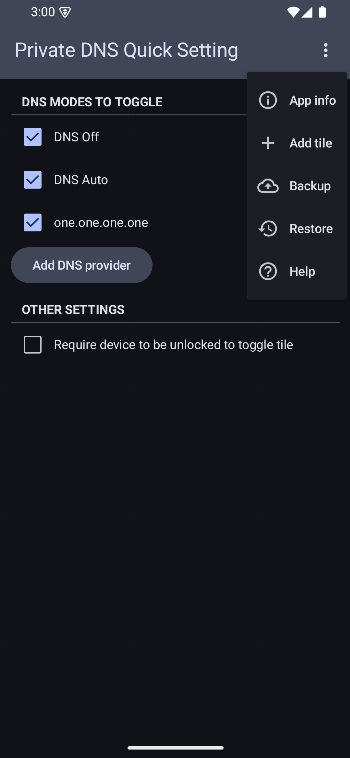
This version of the app doesn't provide a launcher icon in your home screen. To access the app's settings, you need to first add it to your quick settings, then long press the tile.

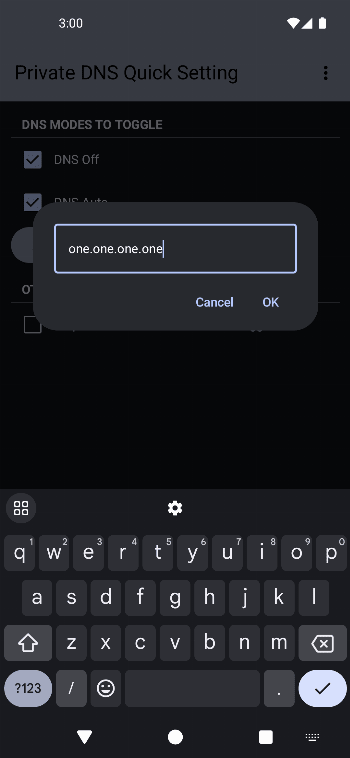
Configure your preferred DNS modes to toggle in app and toggle your Private DNS mode from your quick settings panel.

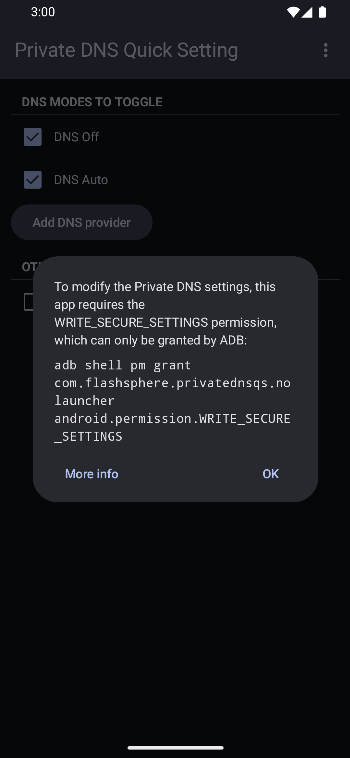
In order to change the Private DNS setting, this app requires the WRITE_SECURE_SETTINGS permission.

This permission can only be granted either by Shizuku or in an ADB shell.

  • Shizuku

    Start Shizuku, then open this app, and the permission should be granted automatically.

  • ADB

    Use the command: adb shell pm grant com.flashsphere.privatednsqs.nolauncher android.permission.WRITE_SECURE_SETTINGS

    Check out private-dns-qs.web.app/help on the steps to use adb to grant the permission.

If you prefer a launcher icon on your home screen, check out the app version here.

Ads


仕様


旧バージョン

Private DNS QS (no launcher) icon

1.40 APK

June 29, 2026

Private DNS QS (no launcher) icon

1.41 APK

June 29, 2026