Private DNS QS (no launcher) untuk Android

Private DNS QS (no launcher)

Senxian Z

versi 1.39

Toggle Private DNS from Quick Settings (needs Shizuku or ADB for initial setup)

Muat Turun 3 K
Ads

Nilai ini

Keputusan Imbasan Antivirus & Keselamatan

Tarikh Imbasan: Jun 29, 2026 Versi Perisian: 1.39
Status: ✅ Dipercayai & Selamat untuk dipasang Aplikasi ini ditandatangani oleh Senxian Z dengan tandatangan digital yang dipercayai dan disahkan dan ia akan dikemas kini pada pemasangan Private DNS QS (no launcher) yang sedia ada Cap Jari Sijil: 2ab6c43334c0b78e03052e299ec41ec4b8f433b7 Pengeluar: C:SG, CN:Senxian Zhuo, L:Singapore Bagaimana kami mengesahkan keselamatan fail APK
Antivirus Android Status
K7GW Bersih ✅
DrWeb Bersih ✅
VirIT Bersih ✅
ClamAV Bersih ✅
Google Bersih ✅
Lionic Bersih ✅
Sophos Bersih ✅
Yandex Bersih ✅
Alibaba Bersih ✅
Tencent Bersih ✅
Xcitium Bersih ✅
Fortinet Bersih ✅
Kingsoft Bersih ✅
Symantec Bersih ✅
AhnLab-V3 Bersih ✅
Kaspersky Bersih ✅
Microsoft Bersih ✅
Trustlook Bersih ✅
ESET-NOD32 Bersih ✅
Avast-Mobile Bersih ✅
NANO-Antivirus Bersih ✅
BitDefenderFalx Bersih ✅

Private DNS QS (no launcher) Lindungi Telefon Pintar Anda aplikasi untuk Android deskripsi

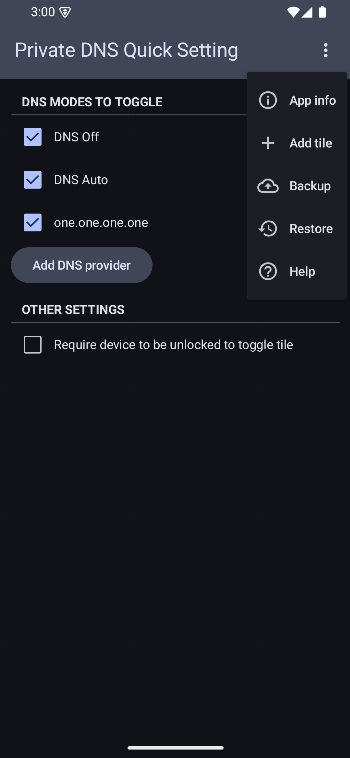
This version of the app doesn't provide a launcher icon in your home screen. To access the app's settings, you need to first add it to your quick settings, then long press the tile.

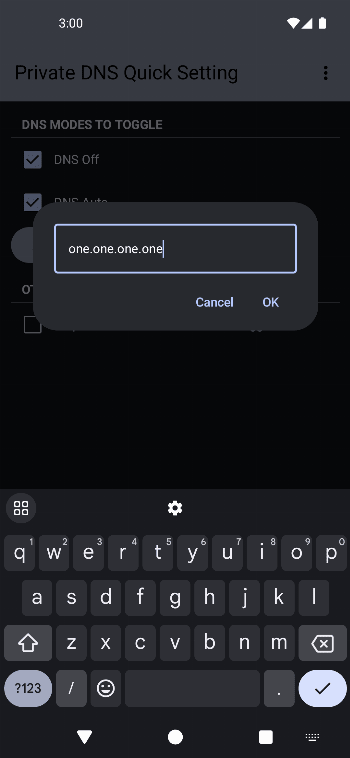
Configure your preferred DNS modes to toggle in app and toggle your Private DNS mode from your quick settings panel.

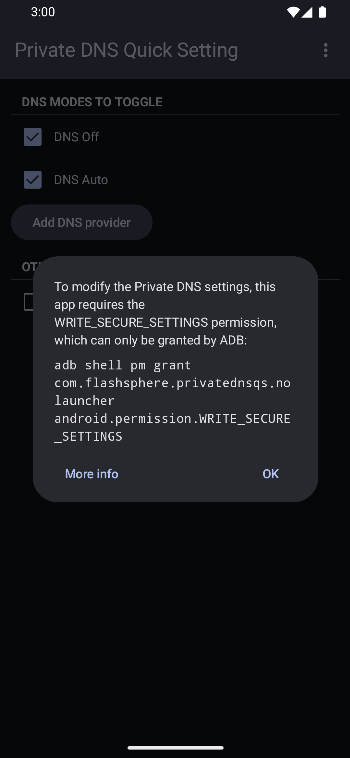
In order to change the Private DNS setting, this app requires the WRITE_SECURE_SETTINGS permission.

This permission can only be granted either by Shizuku or in an ADB shell.

  • Shizuku

    Start Shizuku, then open this app, and the permission should be granted automatically.

  • ADB

    Use the command: adb shell pm grant com.flashsphere.privatednsqs.nolauncher android.permission.WRITE_SECURE_SETTINGS

    Check out private-dns-qs.web.app/help on the steps to use adb to grant the permission.

If you prefer a launcher icon on your home screen, check out the app version here.

Ads


Spesifikasi


Versi Lama

Private DNS QS (no launcher) icon

1.40 APK

June 29, 2026

Private DNS QS (no launcher) icon

1.41 APK

June 29, 2026